

#aultc22 #pacda22
The Learning and Teaching Enhancement Unit is pleased to announce the theme and strands for this year’s Annual Learning and Teaching Conference.
Save the Date: this year’s conference will take place between 12th and 14th September 2022. It’s hoped that we will see the return of some face-to-face elements that we’ve enjoyed in the past.
This year’s conference theme is:
Designing the Teaching of Tomorrow: Innovation, Enhancement, and Excellence
Celebrating 10 years of Aberystwyth University’s Learning and Teaching Conferences
With the following strands:
- Inclusive and sustainable pedagogies
- Assessment validity, authentic assessment, and feedback engagement
- Scaffolding skills across the curriculum and beyond
- Developing a Bilingual University community
- Working with students as partners to design learning
- Active learning in today’s higher education landscape
We can’t believe that it’s our tenth annual conference, with the first one starting in 2013. We’ll have lots of highlights from the past ten years. Ahead of the conference, we’ll be making our archive of materials available so look out for those.
Save the date and look out for the forthcoming call for proposals, guest speakers, and booking announcements on our blog and webpages.




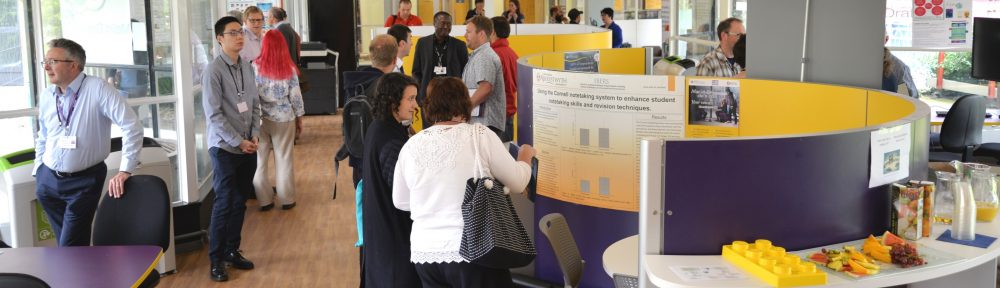

 That’s a wrap! with over three and half days of back-to-back presentations given by over 40 presenters and over 150 delegates in attendance. We at the LTEU want to say a big thank you to everyone who got involved and attended our biggest annual learning and teaching conference to date.