The Digital Skills Team will be delivering training sessions in September 2023 for academic staff who will be supporting their students to review their individual Digital Discovery Tool reports, and facilitating conversations with students about digital skills in general.
Online sessions will be available in Welsh and English on the following dates:
12 September ’23(10:00-11:00): Introduction to the Digital Discovery Tool (Book here)
The Digital Skills Team are happy to announce the launch of the Digital Skills Library for staff. The Digital Skills Library is an online collection of specifically selected AU and external resources to help all staff develop their digital skills. This includes ways to support your digital identity and wellbeing, guidance surrounding learning and development such as CMS instructions, advice to improve your digital communication and much more.
The Digital Skills Library is available to all staff to develop their digital skills. However, in addition to this, we also have specific resources to help with teaching including Blackboard advice, LibGuides and resources to support online teaching.
If you have any questions, issues accessing the Digital Skills Library, or suggestions for new resources, please contact the Digital Skills Team at digi@aber.ac.uk.
Blogpost by Jeffrey Clark (Student Digital Champion)
Like Microsoft Word, PowerPoint is another Microsoft application you’ve probably used before. Planning for delivering a presentation can be daunting and even a frightening task for some, as not only do you have to speak in front of your fellow students, but your PowerPoint presentation will also be on full display. But, have no fear as this blogpost will give you some valuable tips and tricks to help turn a good presentation into a GREAT presentation!
Tip 1: Inserting Excel data into PowerPoint
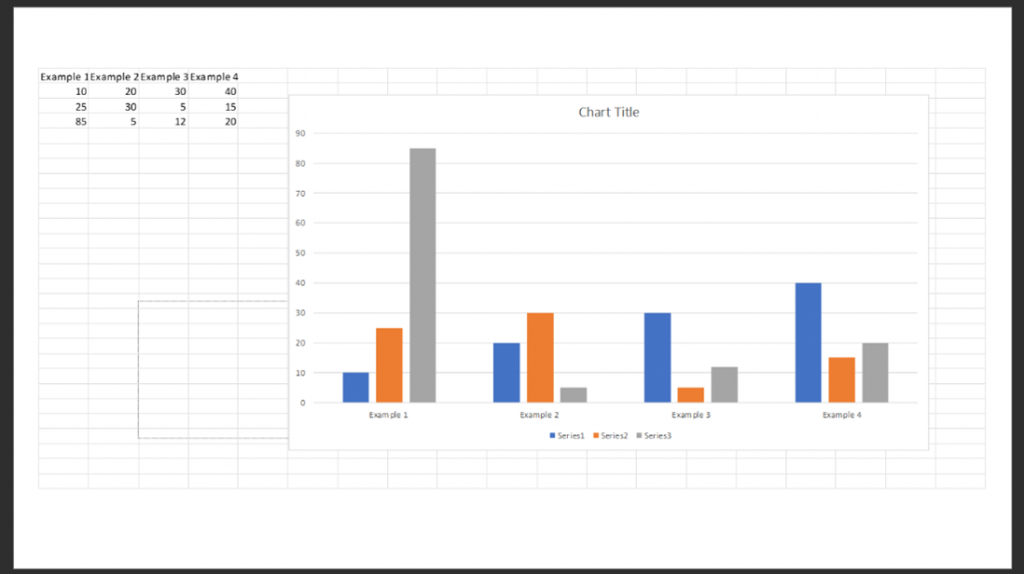
If your presentation requires you to show data from an existing Microsoft Excel document, there is an easy way to display it within PowerPoint.
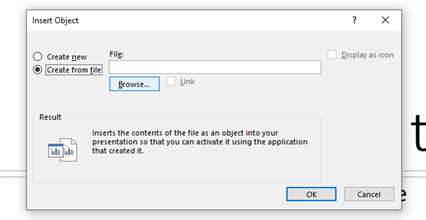
On the slide you want your data to appear on, go to Insert > Object
From the Insert Object window, select Create from file > Browse > then select the Microsoft Excel file where the chart you want to include is located > OK
This will automatically insert both the data and chart from your Microsoft Excel document
You can edit this data directly within your PowerPoint document by double-clicking on the chart on your slide
Click outside of the chart when you are finished, and PowerPoint will produce a chart with your Excel data!
We are looking to appoint two Student Digital Champions to work within our Digital Skills Team for a total of 25 weeks (5 hours per week on Pay Grade 2) next academic year, starting in September 2023.
The Student Digital Champions will support the work of the Digital Skills Team through encouraging other students to take advantage of numerous resources to support them in developing their digital skills. They will also provide a valuable perspective on issues relating to supporting the development of students’ digital skill in general.
Here’s what our two current Student Digital Champions had to say about their experiences in the role this year:
“My past year working as a Student Digital Champion has been really interesting, rewarding and something completely different for me. I was looking for something to do alongside a lab-based research placement this year and despite not having any previous experience in digital skills, or even a previous digital interest, I have thoroughly enjoyed it. I have really loved being able to use the job as a creative outlet and have developed my graphic designed skills, but I have also developed lots of new skills such as leading focus groups and interviews, conducting user-experience analysis, designing and producing online content for various platforms and writing blogposts. The flexibility of the job has been fantastic, and I am looking forward to continue working with the team next year (who, by the way, are an absolutely lovely group of people), as a nice accompaniment to and change of scene from my normal university work.”
Laurie Stevenson (Year in Industry student, Wildlife Conservation)
“As a Student Digital Champion, I’ve learned lots of valuable skills which will help me in my future career. Getting to know programs such as Word, Excel, and Piktochart have been invaluable to my development as both a student and as an employee. Helping with running stands and on-campus promotional events have really boosted my confidence and interpersonal communication skills. I recommend the Student Digital Champion program to anyone who has a drive to help other students, and for anyone who enjoys trying new things.”
Jeffrey Clark (3rd year student, English & Creative Writing)
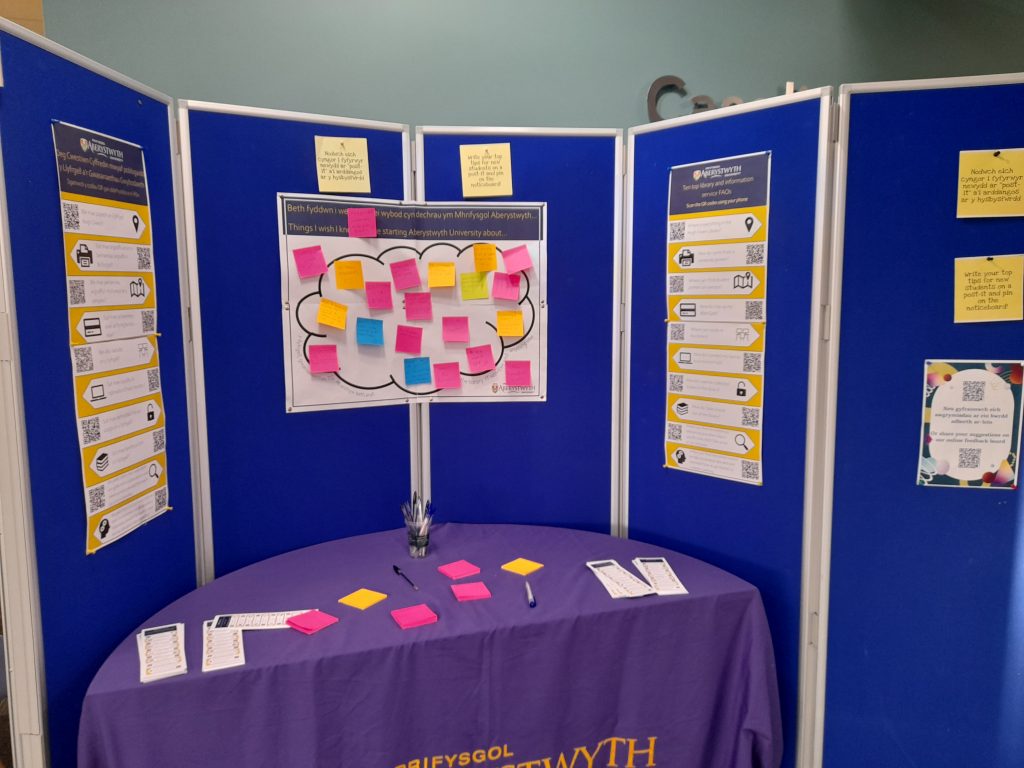
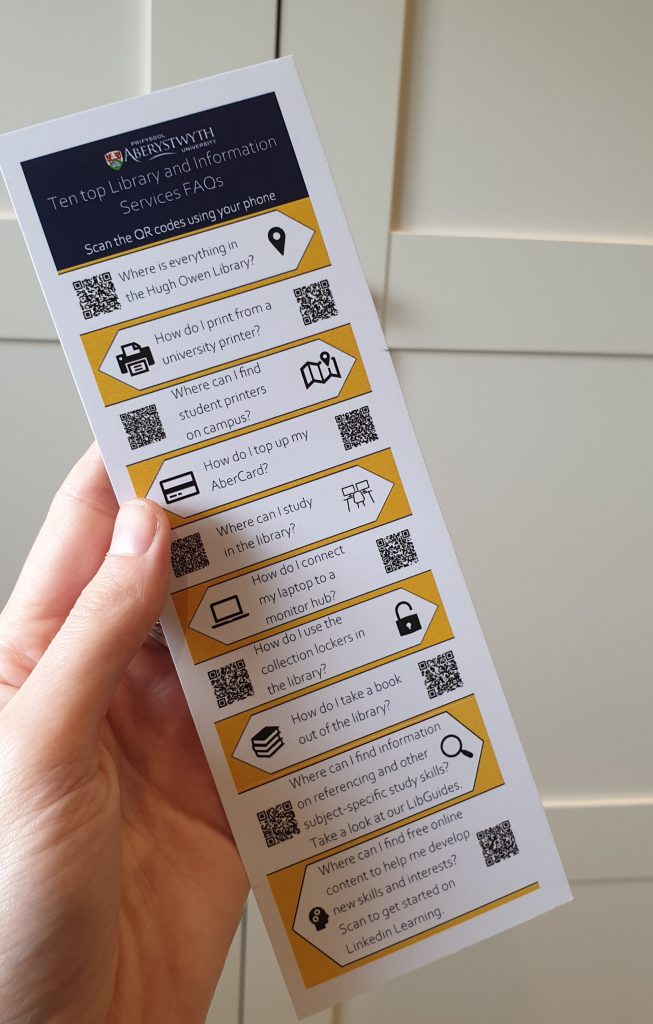
Here are examples of the different activities and resources the Student Digital Champions have created this year!
Please note that the closing date for these positions is Monday 31 July 2023. For more information and to apply for these positions, please visit Aber Works. If you do not currently have an Aber Works account or if you have any queries, please contact digi@aber.ac.uk.
Blogpost by Laurie Stevenson (Student Digital Champion)
I published Part 1 of this blogpost earlier this week, where I introduced you to 5 tips and tricks to help you make the most of Excel, and this blogpost contains 5 further tips! If you want to learn more about Excel, please visit my new Excel LinkedIn Learning collection.
Tip 6: Adding in multiple rows or columns at once
If you want to add more than one row or column in one go, this tip will save you the time of having to do this one row at a time.
Highlight the number of rows or columns you want
Right-click on the highlighted rows or columns
Choose Insert from the drop-down menu that appears
Tip 7: Adding bullet points
Finding the button to add these is not as easy as on Microsoft Word but luckily there are a couple of different ways to do this.
Blogpost by Laurie Stevenson (Student Digital Champion)
Feel a sense of dread whenever you have to use Excel for your degree? Well, we’re here to help! Many degrees will require the use of Excel at some point for data analysis, maths calculations, graph or chart creation, project management and much more.
Excel can seem complicated and daunting to some, particularly if you are relatively new to it, so I’ve put together a list of tips and tricks as well as a new Excel LinkedIn Learning collection to help you out.
Keep an eye out on our blog later on this week as I’ll be publishing the second part of this blogpost, which will include 5 more tips and tricks on using Excel!
Tip 1: Useful keyboard shortcuts
Keyboard shortcuts involve pressing more than one key simultaneously and if memorised can save you a great deal of time. For example, use CTRL+A to select all the cells in a spreadsheet. Take a look at the following list of good ones to learn:
Ctrl + N
Create a new workbook
Ctrl + O
Open an existing workbook
Ctrl + S
Save the active workbook
F12
Save the active workbook under a new name, displays the save as dialog box
Ctrl + W
Close the active workbook
Ctrl + C
Copy the contents of the selected cells to the Clipboard
Ctrl + X
Cut the contents of the selected cells to the Clipboard
Ctrl + V
Paste/insert the content of the Clipboard into the selected cells(s)
As we near towards the start of the Semester 2 examinations, we’ve put together a range of resources to help you make the most of technology as you prepare and revise for your exams.
Exam season can be a challenging time for students, this collection gives you some strategies and advice for managing your stress levels around exams
Please also take a look at the general FAQ’s for exams, and if you have any questions about any of the resources listed above, please contact the Digital Skills Team (digi@aber.ac.uk).
Blogpost by Jeffrey Clark (Student Digital Champion)
The Internet is a great place to connect with friends, work on projects, and even make money. However, there are some who will use the Internet to try and make money from YOU! Unfortunately, scams are becoming more and more advanced but thankfully I’ve got you covered! In this blogpost I’ll go over scam emails, what they are, how to identify them and what to do when you find them.
Make sure to read the Aberystwyth University page on spam emails before reading this blog post.
What is a phishing email?
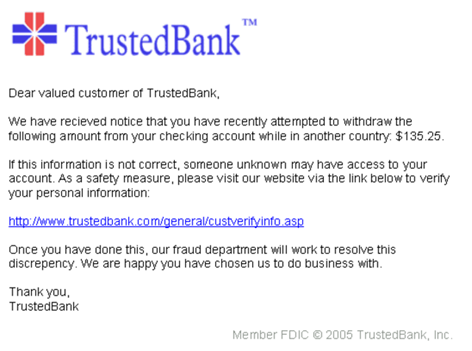
A phishing email is an email that is designed to obtain sensitive personal data from you. This data may come in the form of your address, credit card information, or even your bank details! Phishing emails are usually disguised as legitimate business emails like the example below.
Image from Wikimedia Commons
It’s easy to see how one might fall for a phishing email like this. Firstly, the email notifies the victim that their bank account may have been compromised which prompts them to act urgently. Secondly, there is nothing suspicious about the link at first glance. So how can you tell the difference between a legitimate email and a phishing email?
LinkedIn Learning, an online learning platform which all students and staff at AU have free access to, have recently released three new and exciting features. Take a look at the information and guides below to learn how to make the most of these new features.
New feature 1: Role Guides
LinkedIn Learning have recently released Role Guides. These will enable you to explore and find content related to a wide variety of career paths. For example, if you aspire to become a Data Scientist, you can follow the Data Scientist role guide to find courses, learning paths, skills insights, and community group spaces related to this specific role.
Take a look at the below video (no audio) to learn how to access Role Guides, and you can also find out more about them through this LinkedIn Learning Role Guides help guide.
New feature 2: GitHub Codespaces
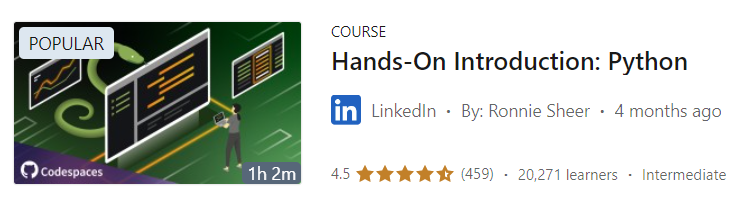
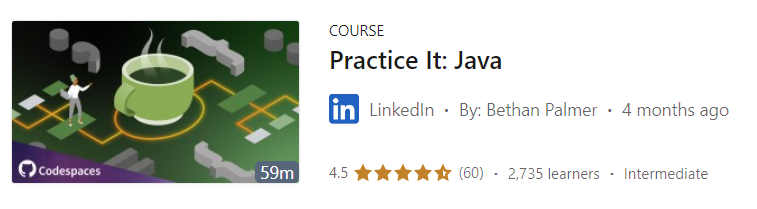
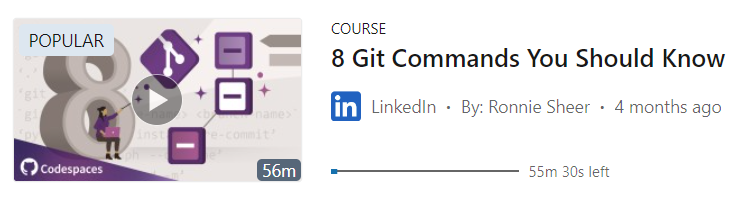
LinkedIn Learning have also released GitHub Codespaces, allowing you hands-on practice to master today’s top computer programming languages and other related topics such as Artificial Intelligence (AI).
LinkedIn Learning have developed over 50 courses which include hands-on practice through integration with GitHub Codespaces, which is a cloud-based development environment. You can access all 50+ courses here, or start by looking at the selection of courses below:
New feature 3: Setting Career Goals
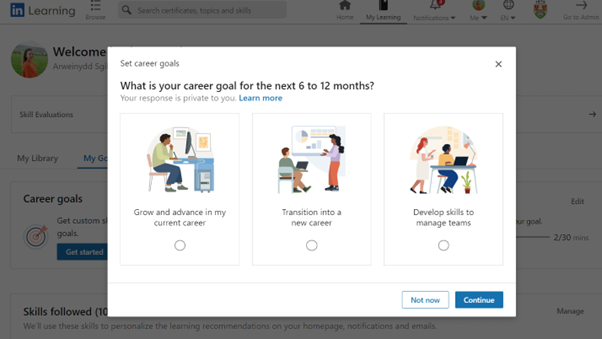
You can personalise the content that LinkedIn Learning recommends to you even further by setting Career Goals for yourself. The two main benefits of setting career goals are to:
Connect you to career development opportunities based on the goals that you have set yourself
Help you to build a variety of skills that will help you to achieve your goals
Set your Career Goals by clicking on My Learning and then My Goals, and take a look at this useful guide to help you make the most of this new feature.
For any support or queries about these new features, or for any general questions about LinkedIn Learning, please contact the Digital Skills Team (digi@aber.ac.uk).
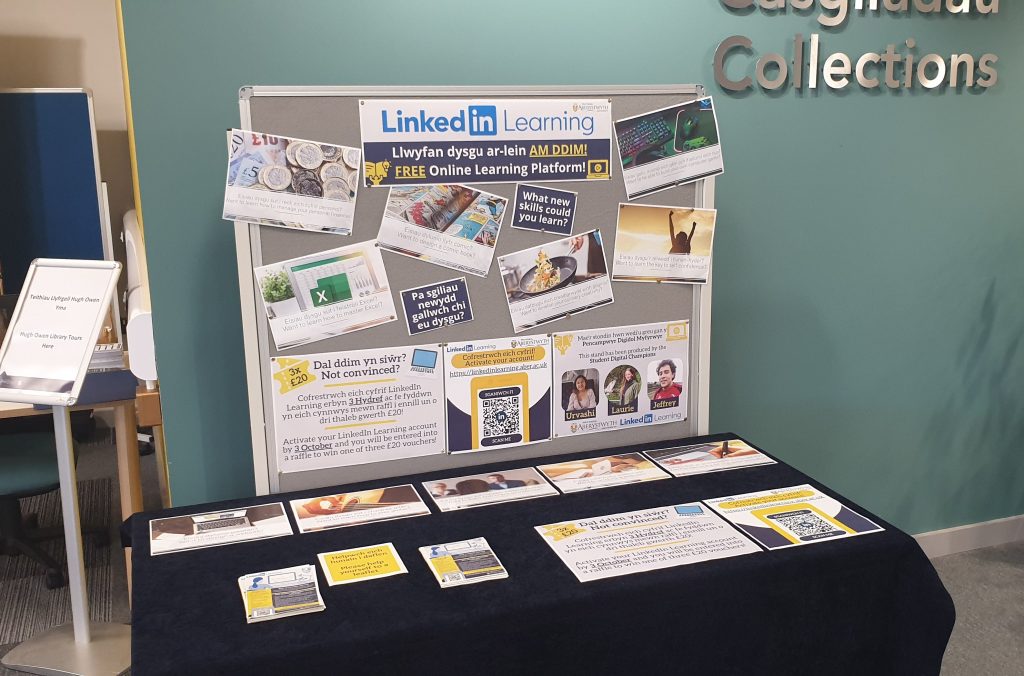
Do you want to develop your digital skills further? Are you struggling to find courses and videos from LinkedIn Learning related to those specific skills you want to develop? If so, our new digital skills collections may be just what you need!
All students and staff at AU have free access to LinkedIn Learning, an online learning platform. Read our previous blogpost to find out more about the platform.
We have developed 30 new collections (15 for students and 15 for staff) to support you to find the most appropriate content from LinkedIn Learning so you can develop a range of digital skills. Each collection contains 9 resources and these can range from short 3-minute videos to more in-depth courses.
Here’s an example of 6 resources you’ll find and which collection they come from:
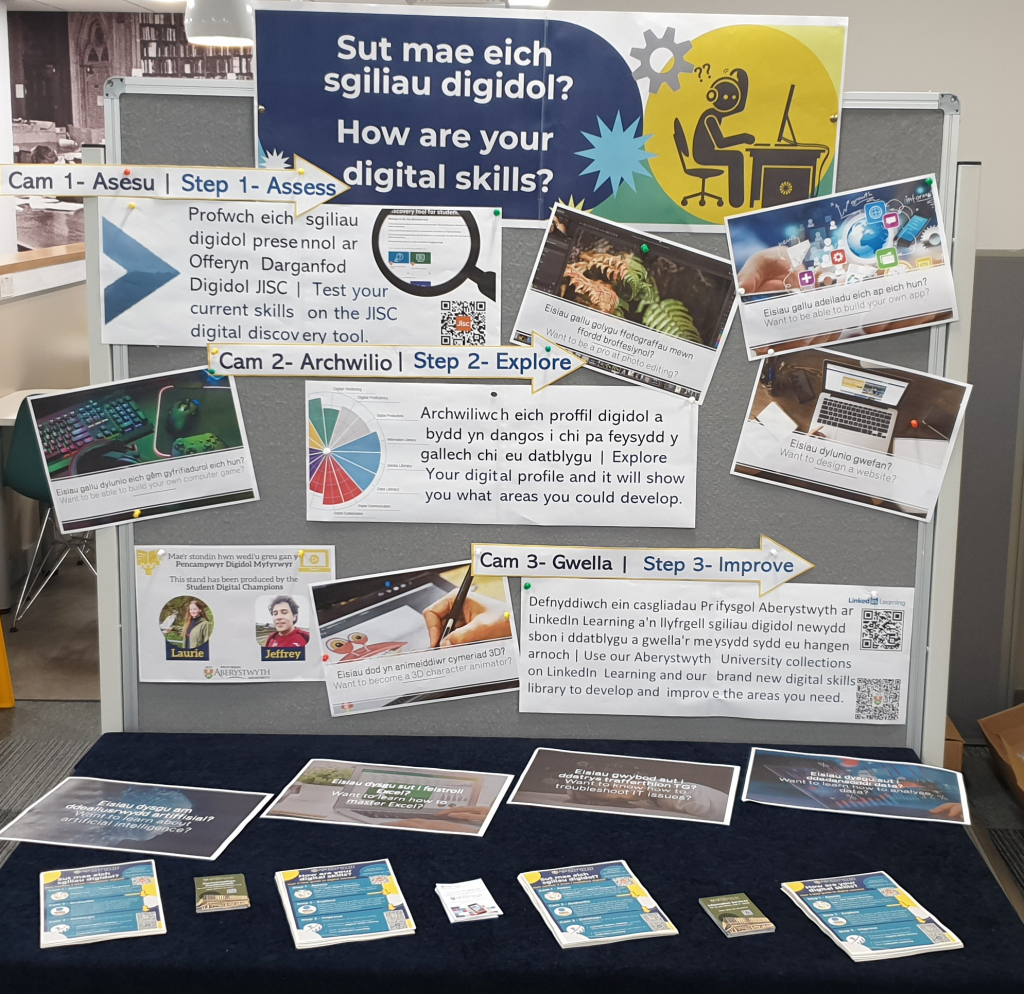
If you want to find additional resources to help you develop your digital skills, take a look at our student Digital Skills Librarywhich we launched last week (please note that the staff library will be available in June 2023).
If you have any questions about these LinkedIn Learning collections, please contact the Digital Skills Team (digi@aber.ac.uk).